 NTFSTool
Mac に NTFSTool をインストール
現行バージョン(推奨)
本サイトからダウンロードし、pkg を開いてセットアップを完了。NTFS ディスクを接続。現行版はリカバリモードや csrutil は不要。
Web Index で無料利用
設定で Web Index を有効にすれば NTFSTool を無料で利用できます。公開ウェブインデックスのみ:デバイスのアイドル時間に公開ウェブインデックスタスクを安全に処理し、無料でご利用いただけます。個人ファイル、プライベート通信、ブラウジング履歴の検査・収集・監視は一切行いません。いつでもオフにできます。利用規約と Web Index プライバシーをご覧ください。
ネットワーク環境の注意:オプションの Web Index モードは個人・家庭向けネットワーク向けに設計されています。企業・組織ネットワークのユーザーは、ローカル IT ポリシーに準拠するためライフタイムライセンス(100% オフライン)の利用を推奨します。
安全なドライブ操作:NTFSTool は厳格な書き込み検証プロトコルを採用しています。クロスプラットフォームファイルシステムの低レイヤー特性により、切断前は必ず安全にアンマウントし、重要データは定期的にバックアップしてください。本ソフトウェアは「現状のまま」提供され、不当な切断やドライブ状態によるデータ損失・ハードウェア中断について NTFSTool Inc. は責任を負いません。
Operational Telemetry: To maintain license verification and troubleshoot filesystem stability, the software collects necessary non-personal technical data, including anonymous hardware identifiers, macOS build version, and error crash logs.
Mac は既定で NTFS ドライブに書き込めますか?
いいえ。macOS は Microsoft NTFS ボリュームを読み取れますが、追加ソフトなしでは書き込めません。NTFSTool は完全な読み書きアクセスを提供します。
現行 NTFSTool にカーネル拡張や SIP 無効化は必要ですか?
いいえ。現行 NTFSTool は完全ドライバーレスでユーザースペースでワンクリックインストール。カーネル拡張の手順は旧バージョンのみ、ヘルプに記載。
NTFSTool は無料ですか?
はい。Web Index を有効にすれば NTFSTool を無料で利用できます。公開ウェブインデックスのみ:デバイスのアイドル時間に公開ウェブインデックスタスクを安全に処理し、無料でご利用いただけます。個人ファイル、プライベート通信、ブラウジング履歴の検査・収集・監視は一切行いません。完全オフライン利用には $39 USD のライフタイムライセンスがあります。最終価格はお支払いページに表示されます。
NTFSTool の提供元は?
NTFSTool Inc. が公式アプリを提供。Apple は旧アーキテクチャ向けにカーネル拡張署名資格を発行。現行ビルドは Developer ID 署名および Apple 公証済み。ntfstool.com からのみダウンロードしてください。
対応 Mac と macOS バージョンは?
Intel と Apple Silicon。macOS 10.15 以降が必要。
NTFSTool は Mac App Store にありましたか?
はい。Mac App Store に掲載され、再掲載を計画中。現在はストアにありません;本サイトの公式ダウンロードをご利用ください。
Paragon NTFS や Tuxera for Mac の最良の代替は?
NTFSTool はライフタイムライセンスの代替:$39 USD 一括(最終価格はお支払いページ)、ドライバーレスユーザースペースインストーラー、オプションの無料 Web Index。Paragon と Tuxera は通常年間ライセンスで、各 macOS メジャー版で更新が必要なことが多い。比較:https://ntfstool.com/vs-paragon-tuxera.html
旧 kext バージョン(履歴)
以下の手順は旧カーネル拡張ビルドのみに適用。エンジニアリングの履歴と旧版ユーザー向けに残しています。現行インストーラーでは実行しないでください。
Reason for Installing the NTFSTool Kernel Extension
Due to Microsoft's licensing restrictions, macOS has removed write support for the NTFS disk format. Historical NTFSTool releases therefore installed an Apple-signed kernel extension. This is engineering heritage. The current release does not use these steps.
Requirements and Steps for Installing Drivers in macOS Kernel (legacy only)
For Intel Chip Systems
Requirements: Disable System Integrity Protection (SIP)
- Enter system recovery mode, disable System Integrity Protection (SIP). Completely shut down your Mac, then start it up, and immediately press and hold Command+R during startup until the Apple logo appears for 3 seconds, then release the button and wait to enter Recovery mode
- Click 'Utilities' in the top toolbar, select 'Terminal'
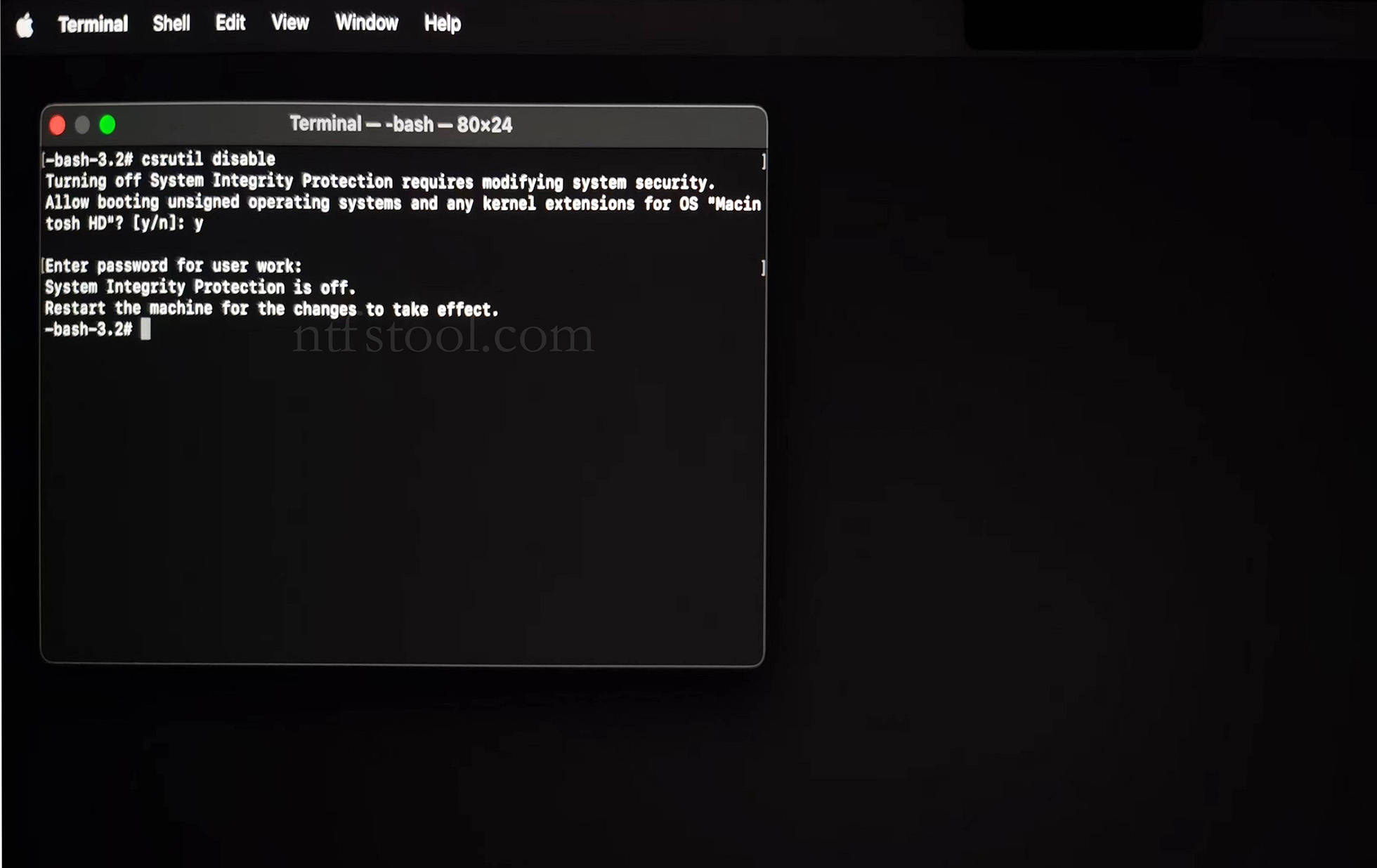
- Type 'csrutil disable' in the terminal, then press Enter
- Close the terminal and restart your Mac
- Related Screenshots
For Apple Silicon systems
Requirements: Disable SIP; enable Allow user management of kernel extensions from identified developers.
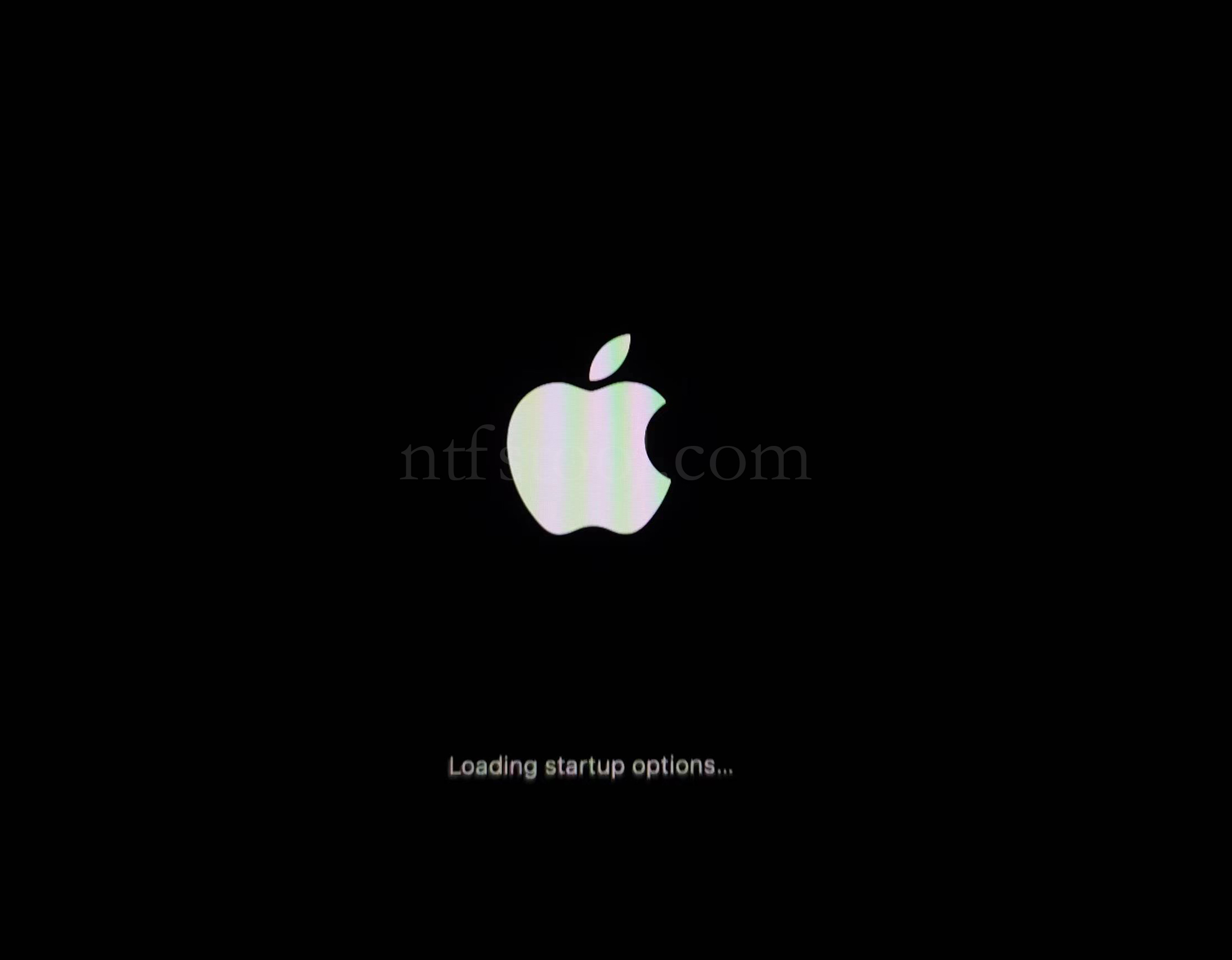
- Restart and hold the power button until Loading startup options appears, then enter recovery
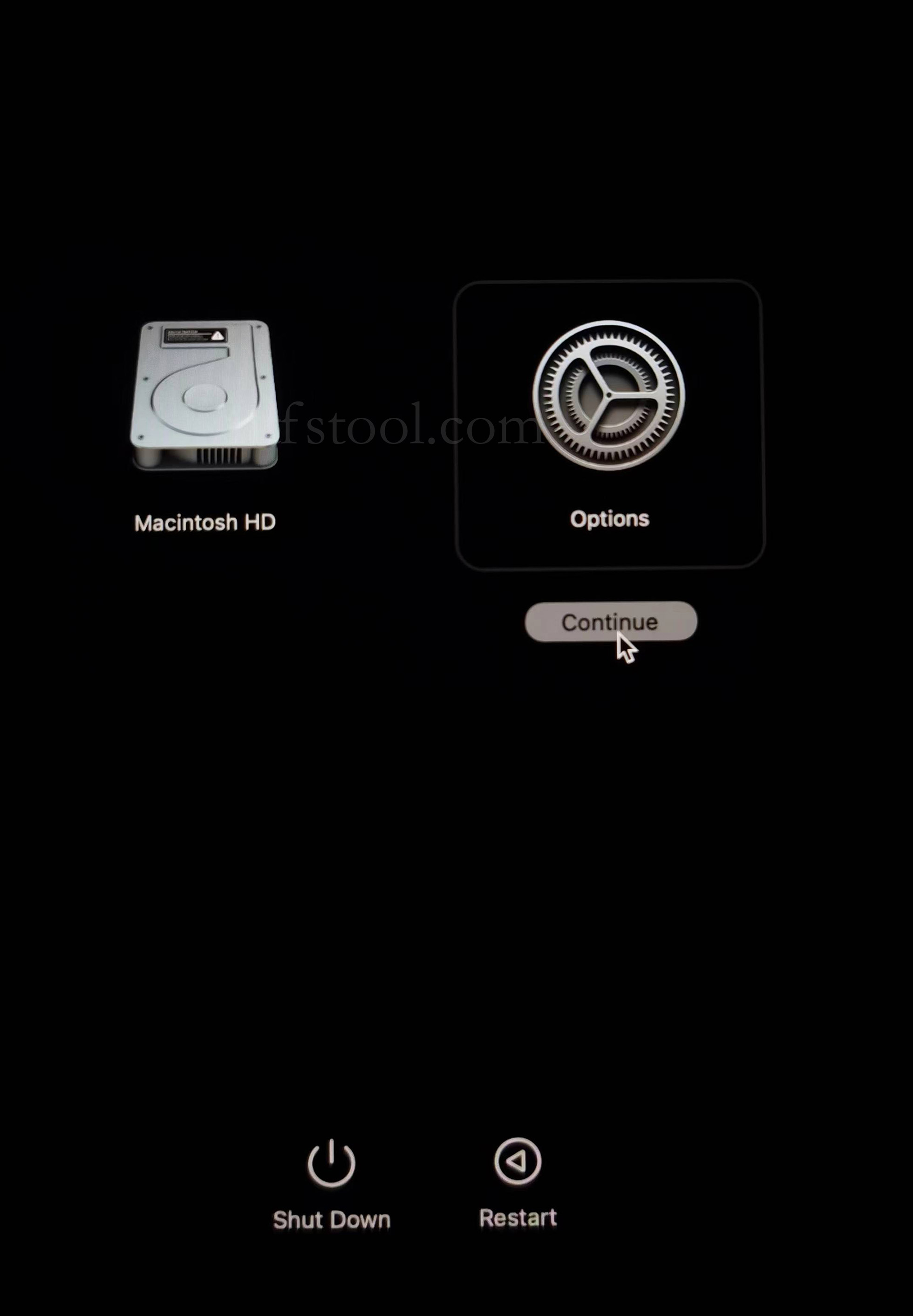
- Select Options, Continue
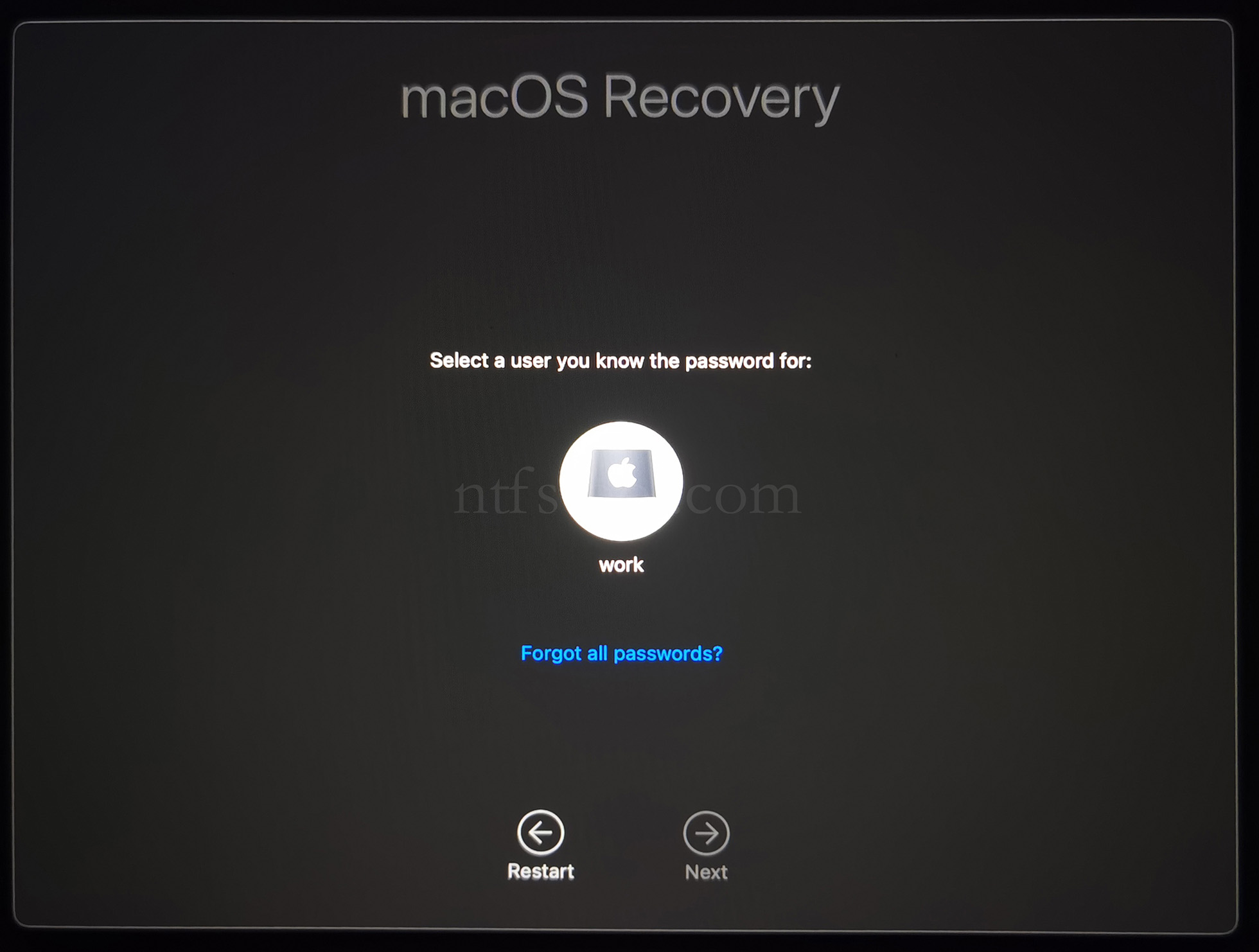
- Select the admin user and enter the password
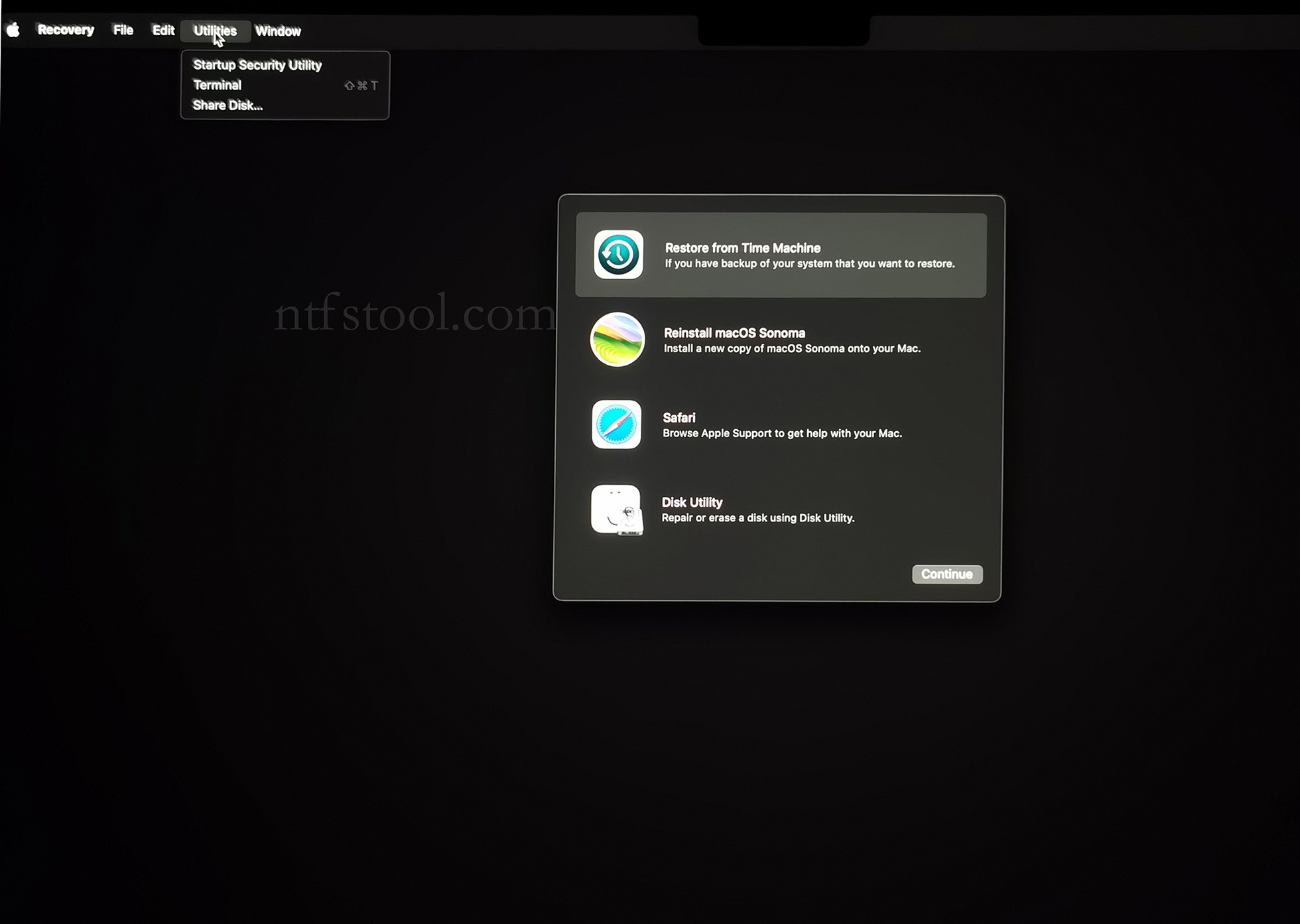
- Utilities → Terminal
- Type csrutil disable, press Enter
- Close Terminal
- Utilities → Startup Security Utility
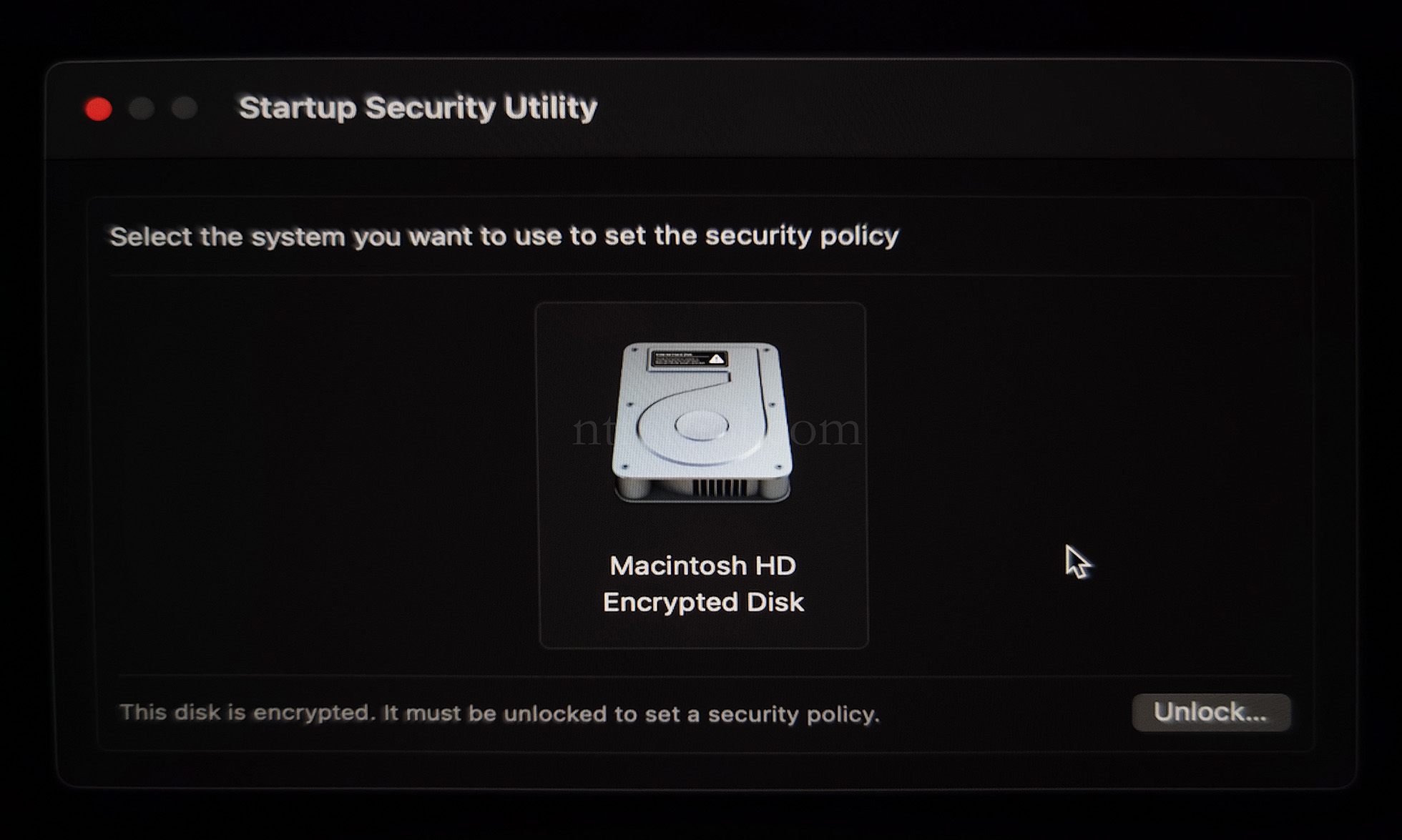
- Select the system disk, then Security Policy
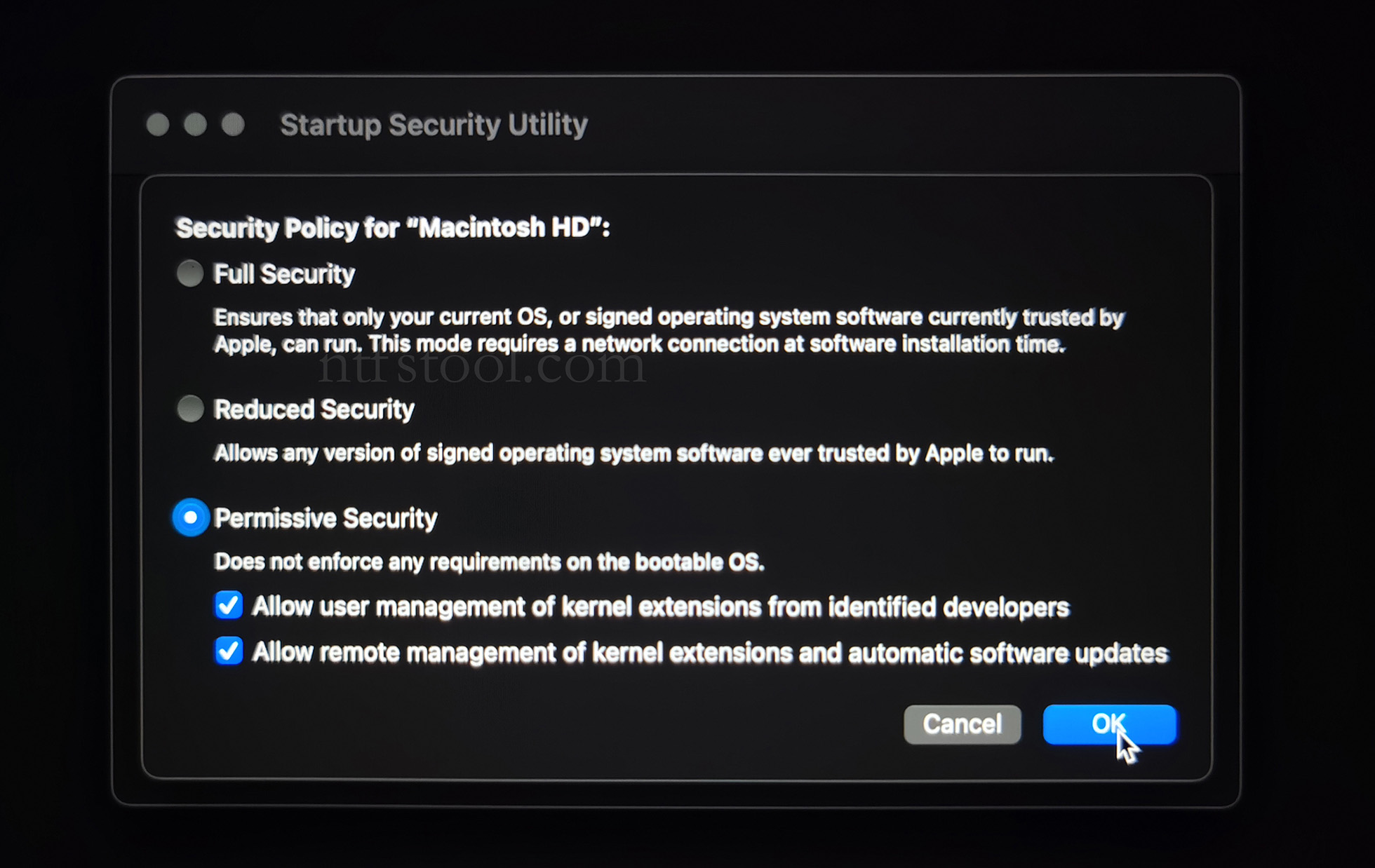
- Check Reduced Security and Allow user management of kernel extensions from identified developers
- Restart from the Apple menu
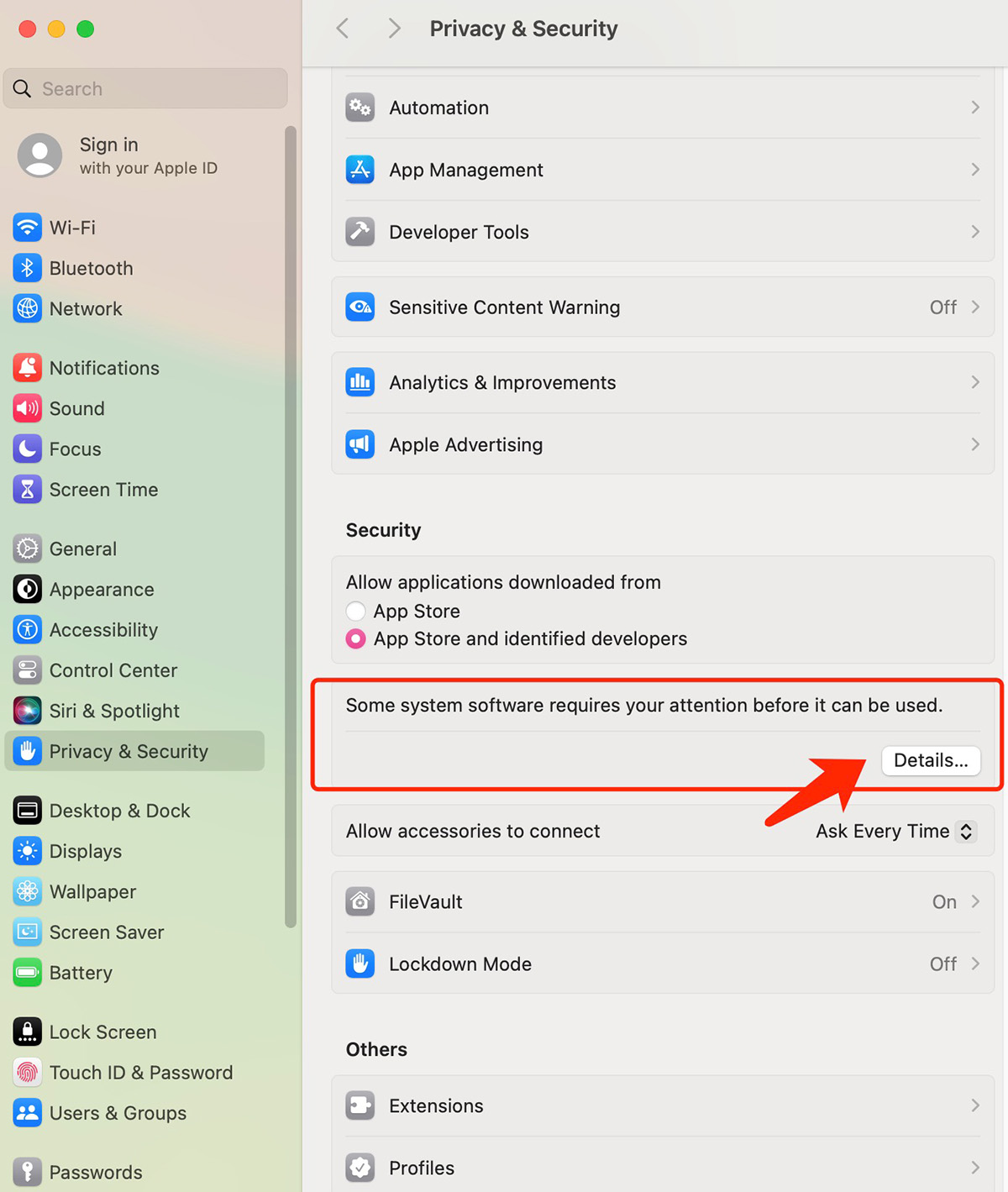
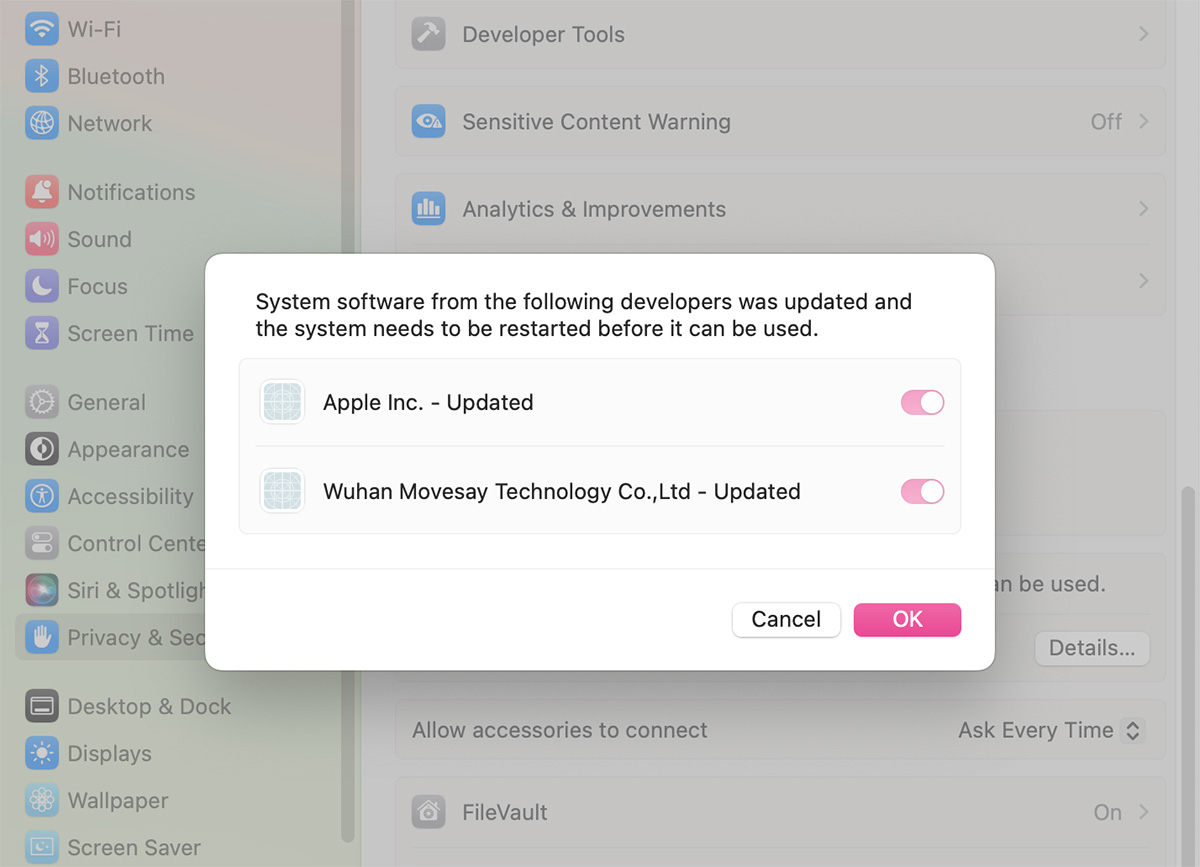
- Open System Settings → Privacy & Security, then allow the extension if prompted
- Related Screenshots